
 SV
SV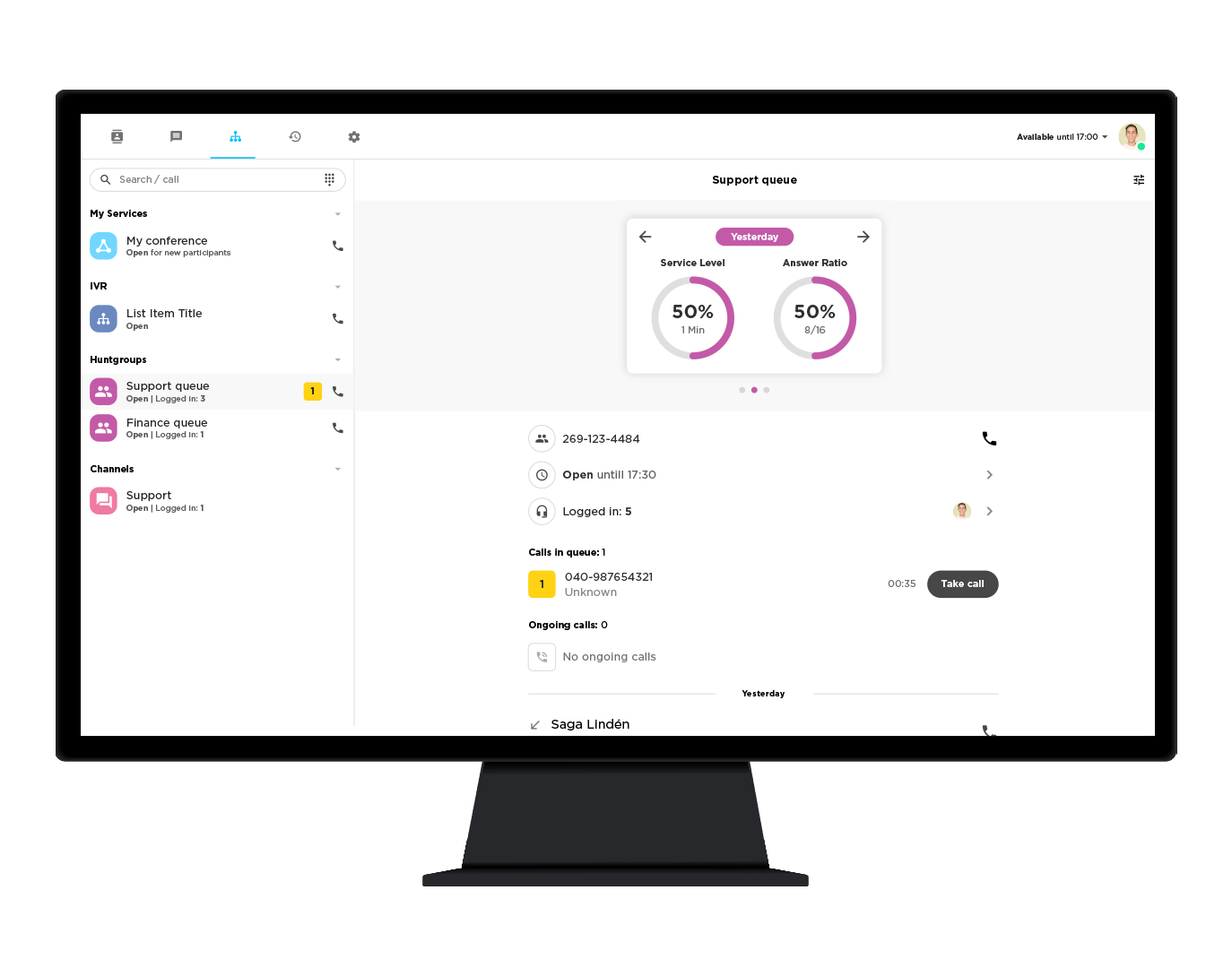
Also available on mobile
 Scan to install on your phone
 Scan to install on your phone
Desktop tools
Telavox Operator
WebRun the call console right in your browser — nothing to install.
Open Operator →Do I need to install anything to use Telavox Operator?
No. The app runs in any modern Chromium-based browser (Chrome, Edge) — just open the URL and log in. For a desktop-app experience, you can install it as a PWA: click Install App in the sidebar and the app will open in its own window, just like a native app.
Download Desktop UC
WindowsThe classic desktop softphone for calls, presence and call control.
Download